What a digital twin is, what it is for and how to start without a huge project
· 8 min read
A digital twin is a virtual replica of a product, process or plant connected to real data. Here is what sets it apart from a 3D model, what you need to have one and when a simulation is enough.
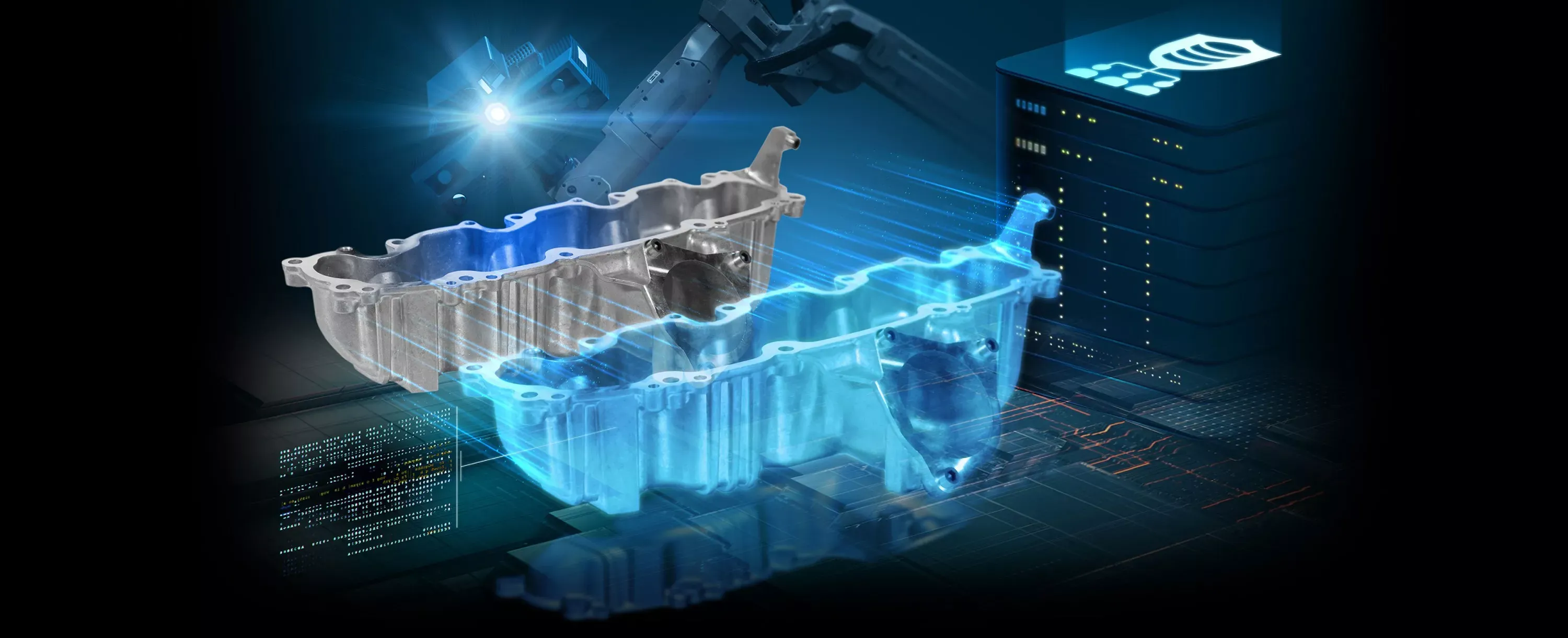
A digital twin is a virtual replica of something physical (a product, a process or a whole plant) that stays in sync with its real counterpart through data coming from sensors, machines or management systems. What defines it is not the 3D but that connection: if the twin receives no data from the real world, it is not a twin, it is a model or a simulation.
The term is used a lot and not always correctly, so in this article we explain what it is and what it is not, which types exist, what it is used for in practice, what you need before considering one and how to start with something small that already delivers value.
What a digital twin is (and what it is not)
A digital twin has three parts: the physical object, its virtual representation and the data flow between them. When a motor's temperature rises in the factory, it rises in the twin too; when the twin spots an odd pattern, it warns you before the motor fails. That live link is what lets you use it to monitor, predict and test changes.
That is why it helps to tell it apart from two things it is often confused with:
- A 3D model is the object's shape: geometry, materials, perhaps moving parts. It is for seeing, showing or selling, but it knows nothing about what happens in reality.
- A 3D simulation reproduces how something behaves based on rules and data you feed it (for example, a work shift or an evacuation). It is very useful for training or testing scenarios, but it is not connected to the real asset in real time.
- A digital twin combines both with real, up-to-date data: it reflects the asset's current state and lets you simulate what would happen if you changed something.
| 3D model | 3D simulation | Digital twin | |
|---|---|---|---|
| What it is | The object's shape | Behavior according to rules | A replica in sync with the real object |
| Data | None or static | Whatever you feed it | Live, from sensors or systems |
| What it is for | Seeing, showing, selling | Training, testing scenarios, explaining | Monitoring, predicting, optimizing and testing changes |
| What you need | A CAD file or photos and measurements | A 3D model and the process logic | Model, logic, data sources and integration |
A quick test: if you switch off the sensors and your "twin" works exactly the same, what you have is a simulation or a model. That is not bad, but it is not a digital twin, and you should not pay for it as one.
Types of digital twin
Depending on what is replicated, three levels are usually distinguished. They are not exclusive: many companies start with one and grow into the next.
- Product or asset twin: a machine, a vehicle, a pump, a wind turbine. Used to know its condition, anticipate failures and understand how it is really used.
- Process twin: a production line, a logistics flow or an assembly sequence. It shows where the process gets stuck and lets you test changes in pace, order or resources.
- Plant or facility twin: a warehouse, a factory, a building or a network. It brings several assets and processes into one shared view for decisions about the whole.
What a digital twin is used for in practice
Beyond the marketing, the uses that justify the investment are usually few and specific. According to an article by Conexión ESAN in Gestión, their value lies in testing future scenarios in a virtual environment before investing or deciding, moving from reactive to proactive management. In practice, that means:
- Predictive maintenance: with vibration, temperature or consumption data, the twin detects deviations so you can plan the intervention before a breakdown stops operations.
- Rehearsing changes without stopping production: moving a machine, changing a shift or adding a product to the line is tested first in the twin, and only what works is carried out in the plant.
- Training on the real facility: new staff learn on a faithful replica, with real data, with no risk to people or equipment.
- A single view of scattered data: the data often already exists, but spread across systems nobody looks at together. The twin places it on the object it belongs to.
Some studies report significant savings: the one compiled by the enerTIC.org platform and cited by Ibercaja mentions a combined 19% in cost savings and revenue growth. Take it as an industry indication, not a promise: your twin's return depends on the specific problem it solves.
What you need to have a digital twin
Before asking for a quote, check whether you have (or can get) these three things:
- Data sources. IoT sensors, PLCs, a SCADA, an ERP or an MES, or even spreadsheets that are updated regularly. No data, no twin; if you don't have any yet, the first step is to instrument what you want to monitor.
- A 3D model of the asset or facility. It can come from your CAD drawings or be modeled from scratch. You don't need movie-level detail: you need it to be clear and to load fast.
- Integration. The part that is usually underestimated: connecting the data sources to the model, deciding how often they update and what happens when a value is missing or wrong.
The 3D is the most visible part, but data integration is usually what takes the longest. If someone quotes you a digital twin without asking where the data comes from, be wary.
How to adopt a digital twin step by step, starting small
The most expensive mistake is trying to replicate the whole plant at once. It works much better to start with one specific asset or process, prove its value and expand. A realistic path:
- Pick a question, not a technology. For example: "why does this machine keep stopping?" or "what happens if we add a second shift on this line?". The question decides which data and how much detail you need.
- Take stock of your data. What is already measured, where it is stored, how often and who has access. This is where the gaps to fill show up.
- Build the minimum model. Only what is needed to answer the question: the asset, its immediate surroundings and the indicators that matter.
- Connect the data and validate. For a few weeks, compare what the twin shows with what happens in reality. If they don't match, fix it before making decisions with it.
- Measure the result and expand. If the twin answers the initial question (fewer stoppages, better decisions), you have the arguments to add assets, processes or the whole plant.
When a 3D simulation is enough
Not every company needs a digital twin, and telling you so is part of our job too. A 3D simulation is enough, and cheaper, when:
- You want to train your team in a procedure or a risky situation, and you don't need the machine's real state at every moment.
- You are designing something that doesn't exist yet (a building, a new line) and there is no real data to connect yet.
- You want to explain or sell how a process works to customers or investors.
- Your data is unavailable or unreliable, and the cost of instrumenting doesn't pay off yet.
A good simulation isn't thrown away, either: if you connect real data later, the model and much of the logic are reused as the base of the digital twin.
How much a digital twin costs with us
We build digital twins and simulations as one service. The final price depends mainly on the number of data sources, how easy they are to access and the size of what is replicated: the real-time data connection (sensors, PLCs or SCADA) is the item that weighs most, which is why a simulation without live data costs less than a connected twin. Either way, the result runs in the browser with nothing to install, and we hand over the source code and the models.
If you want to start small, as we recommend above, there is a fixed-price pilot: a digital twin of one production process, in 2 weeks, deducted from the project if we carry on. And before anything else, a free first call to review your case and, within 48 hours, a written proposal with scope, timeline and a cost breakdown. You can see how we work in how to get started and our real work in projects.